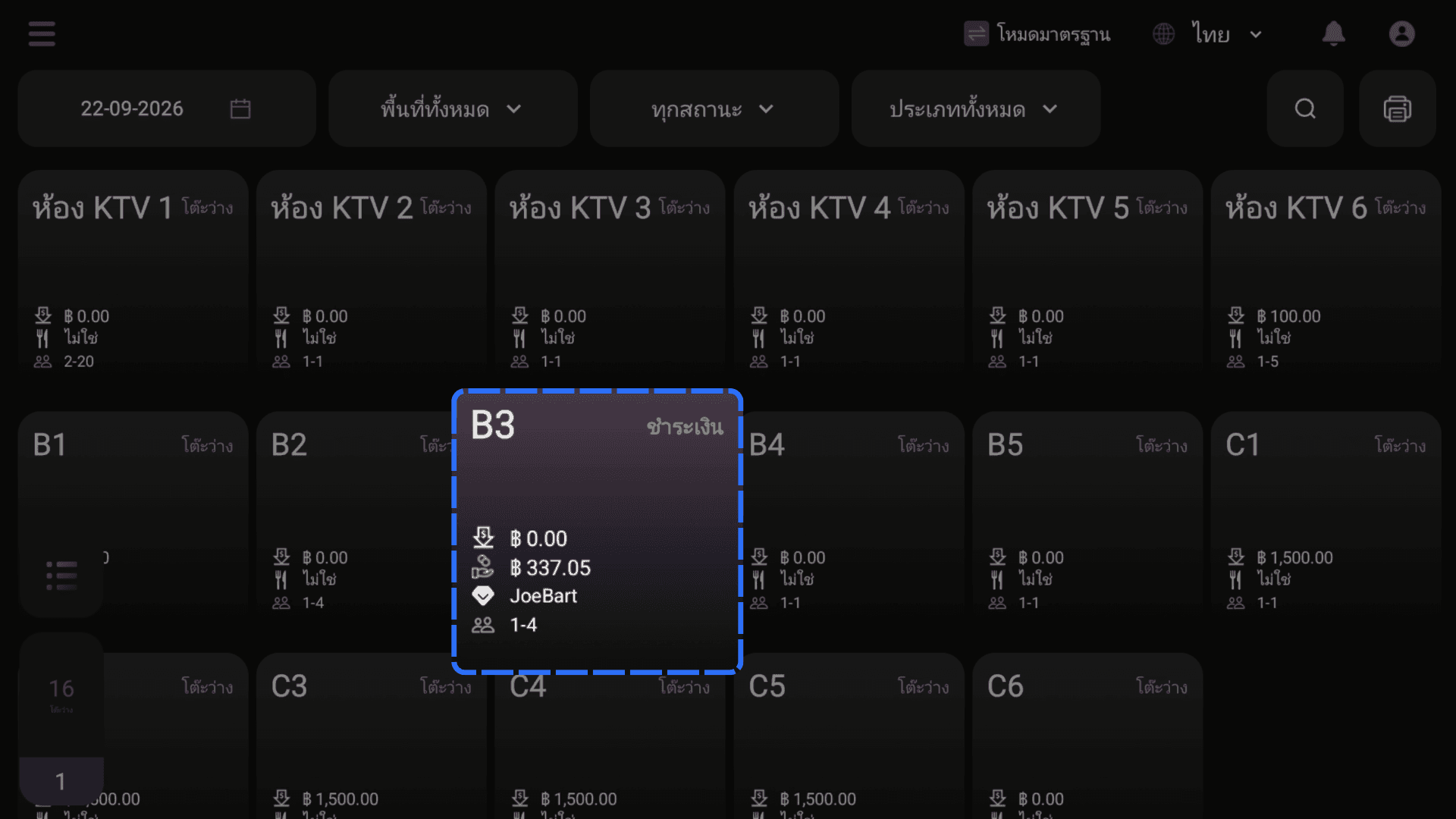
Complete a Standard Payment
Updated
Open the bill, choose the customer's payment method, and settle the outstanding amount. The table then changes to Paid.
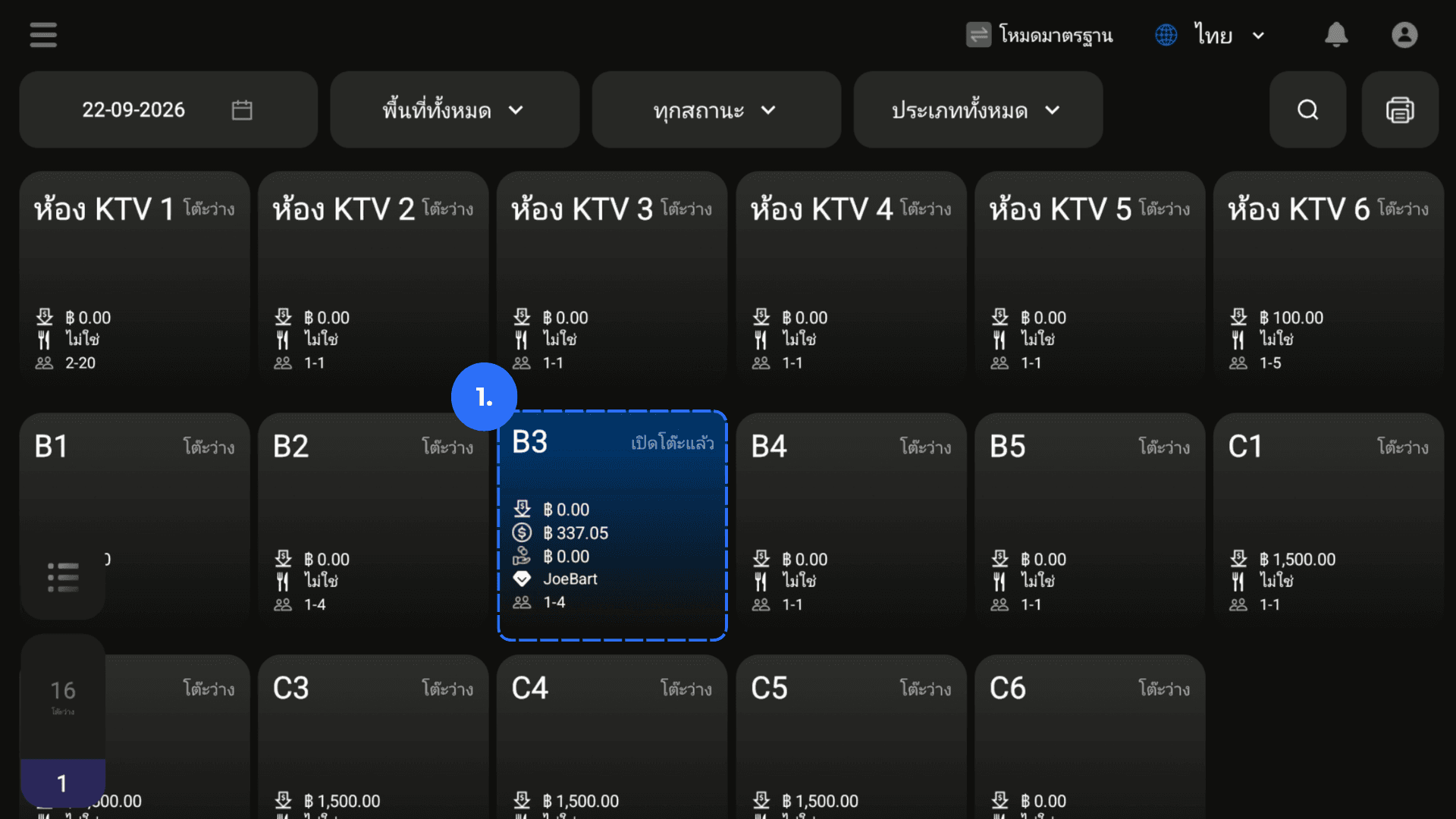
1. Open the required table.
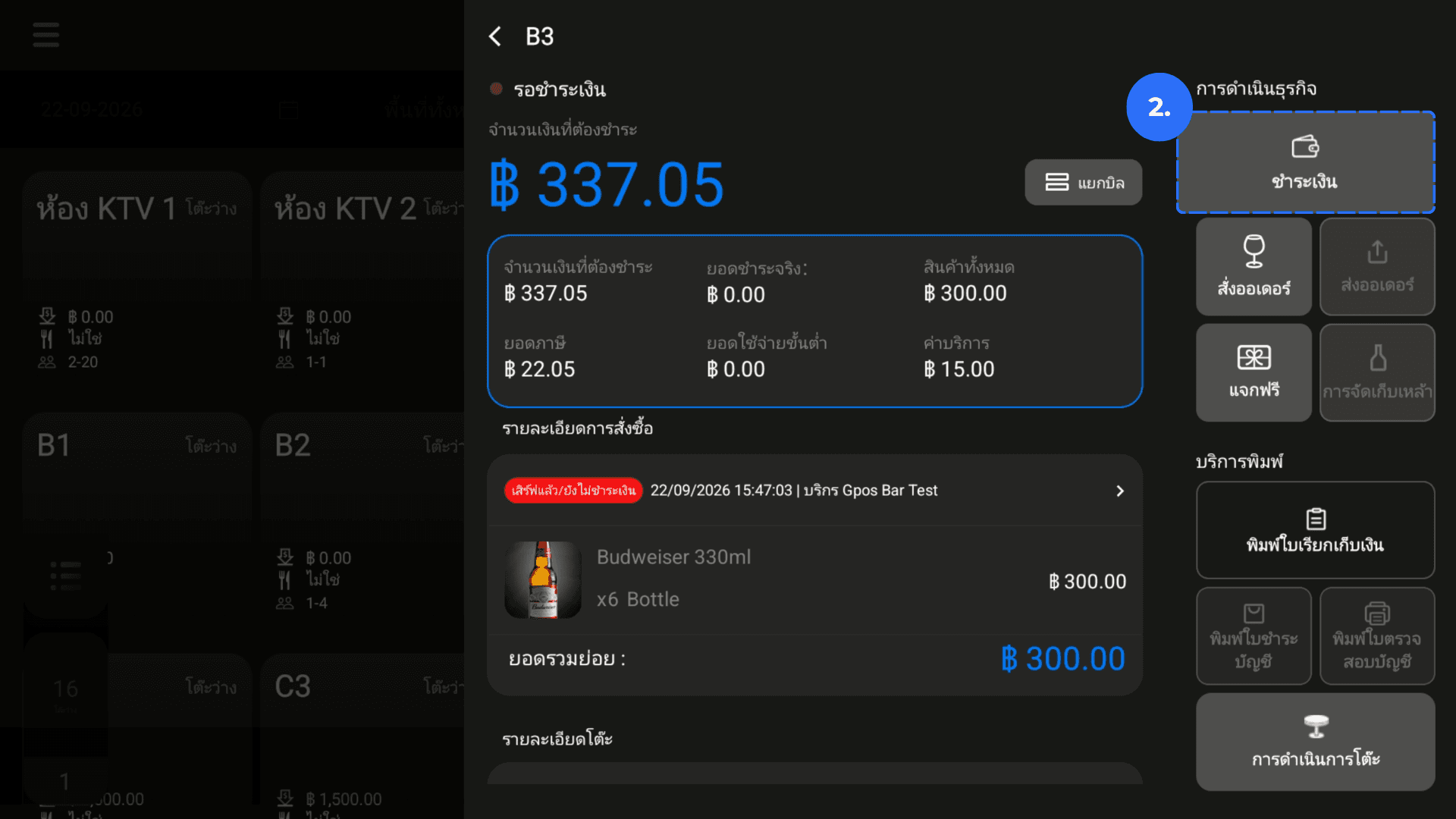
2. Click Pay in the Order Actions.
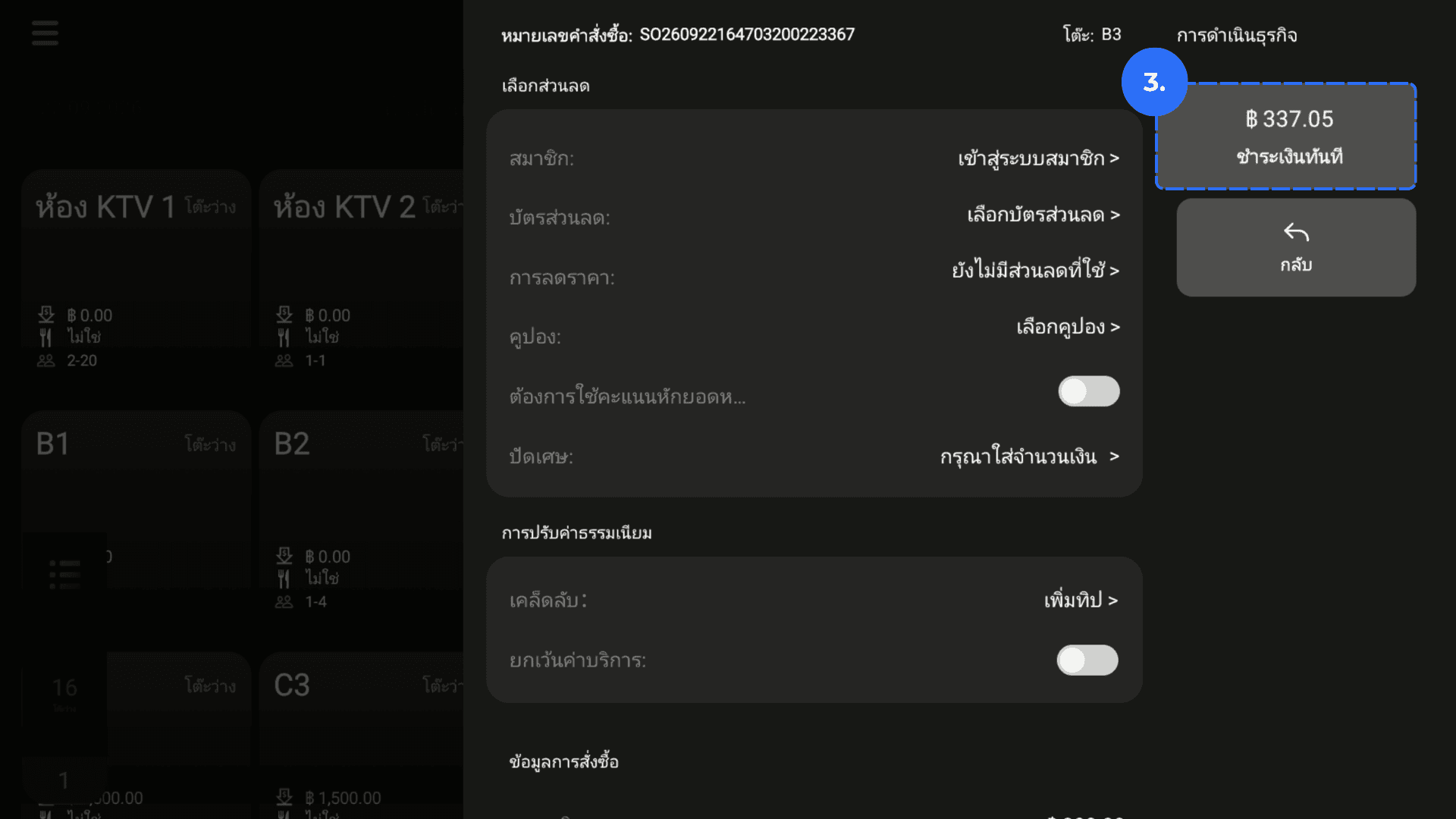
3. On Payment Details, click Amount Due.
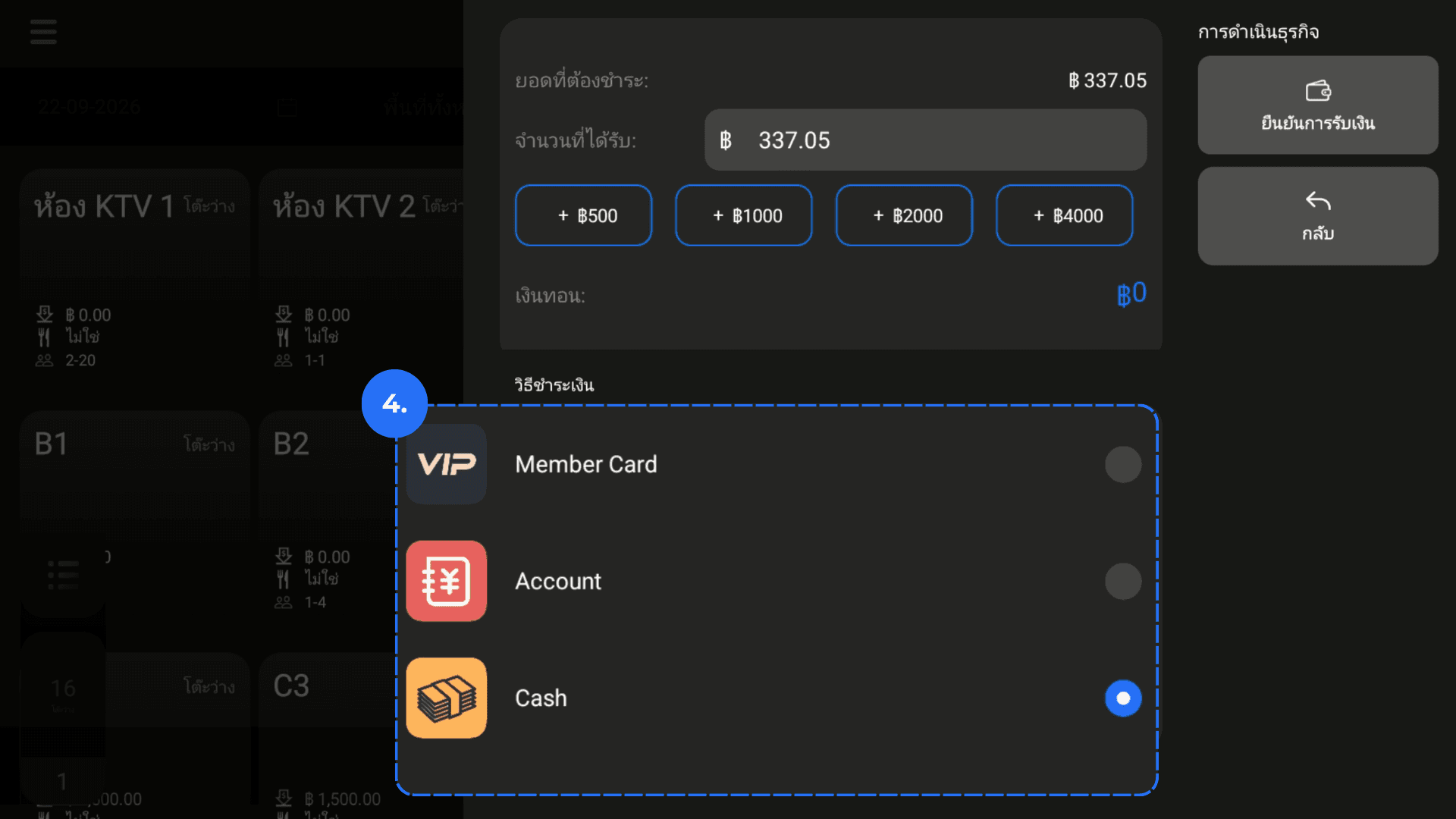
4. Select the customer's payment method.
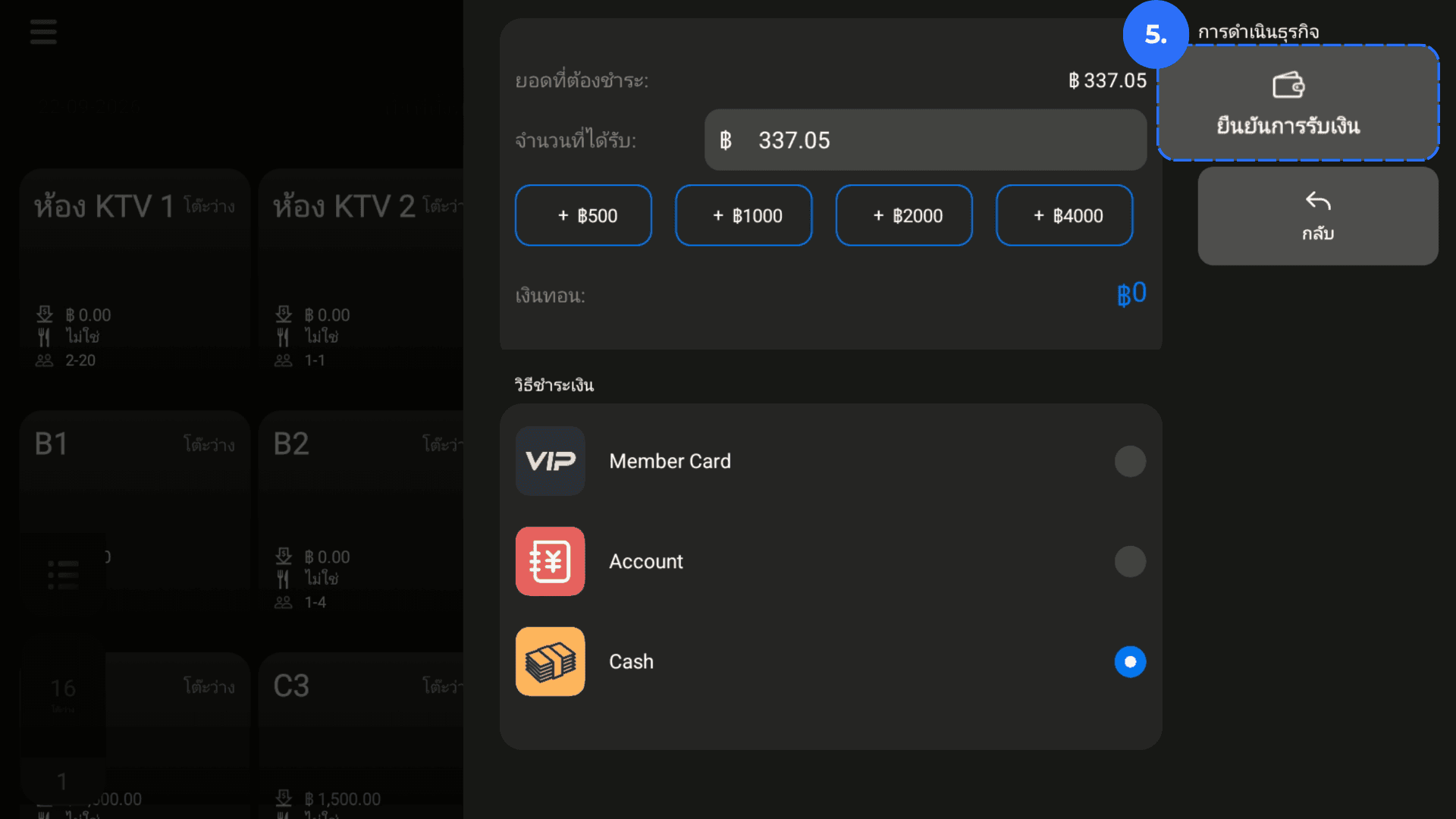
5. Click Pay.
6. Confirm that the payment completes successfully.
7. Confirm that the table status changes to Paid.