Provide QR Self-Service to an Active Table
Updated
Reopen an occupied table's self-service QR code so existing customers can continue ordering or request assistance.
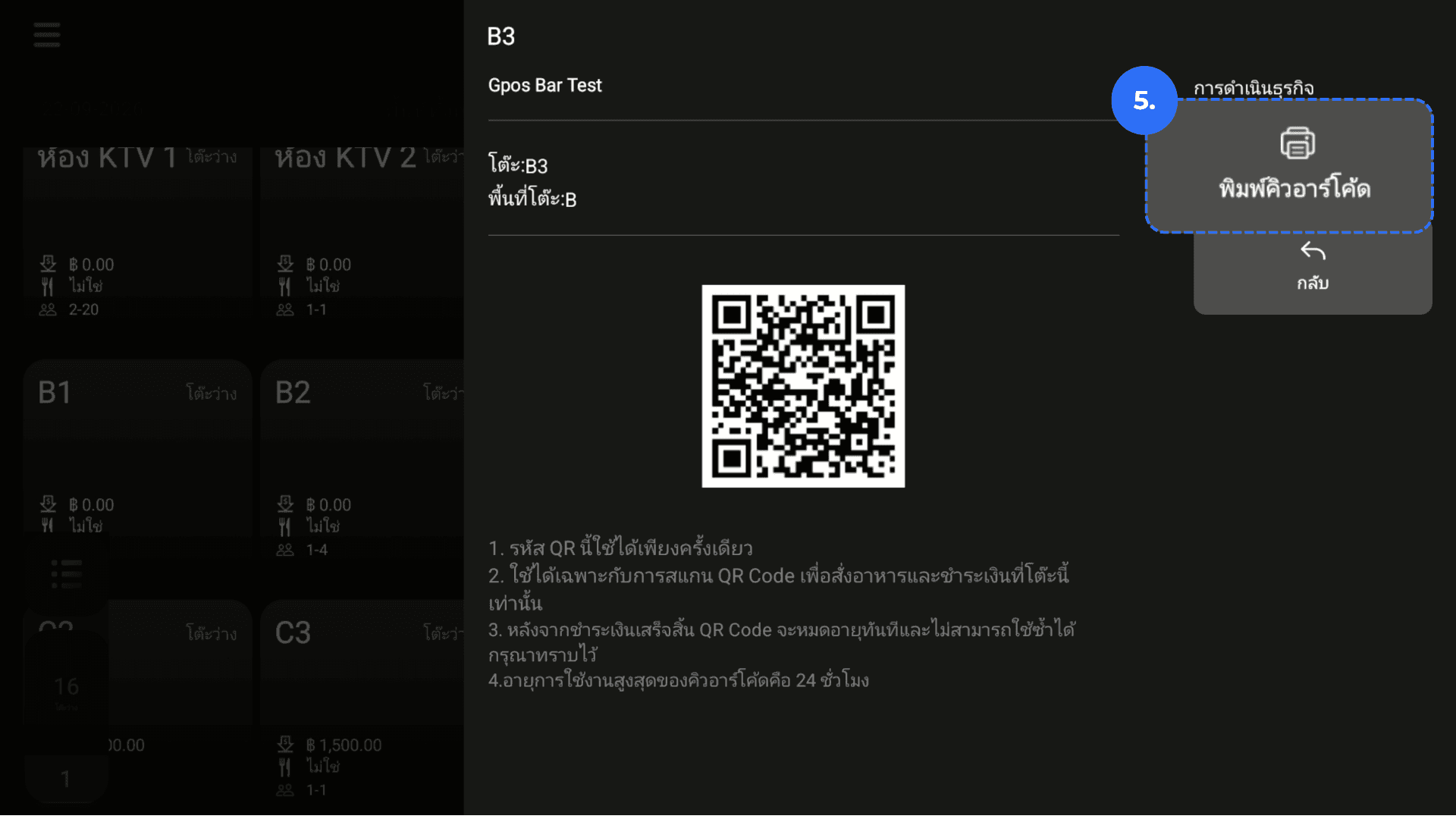
1. From the homepage, click Tables.
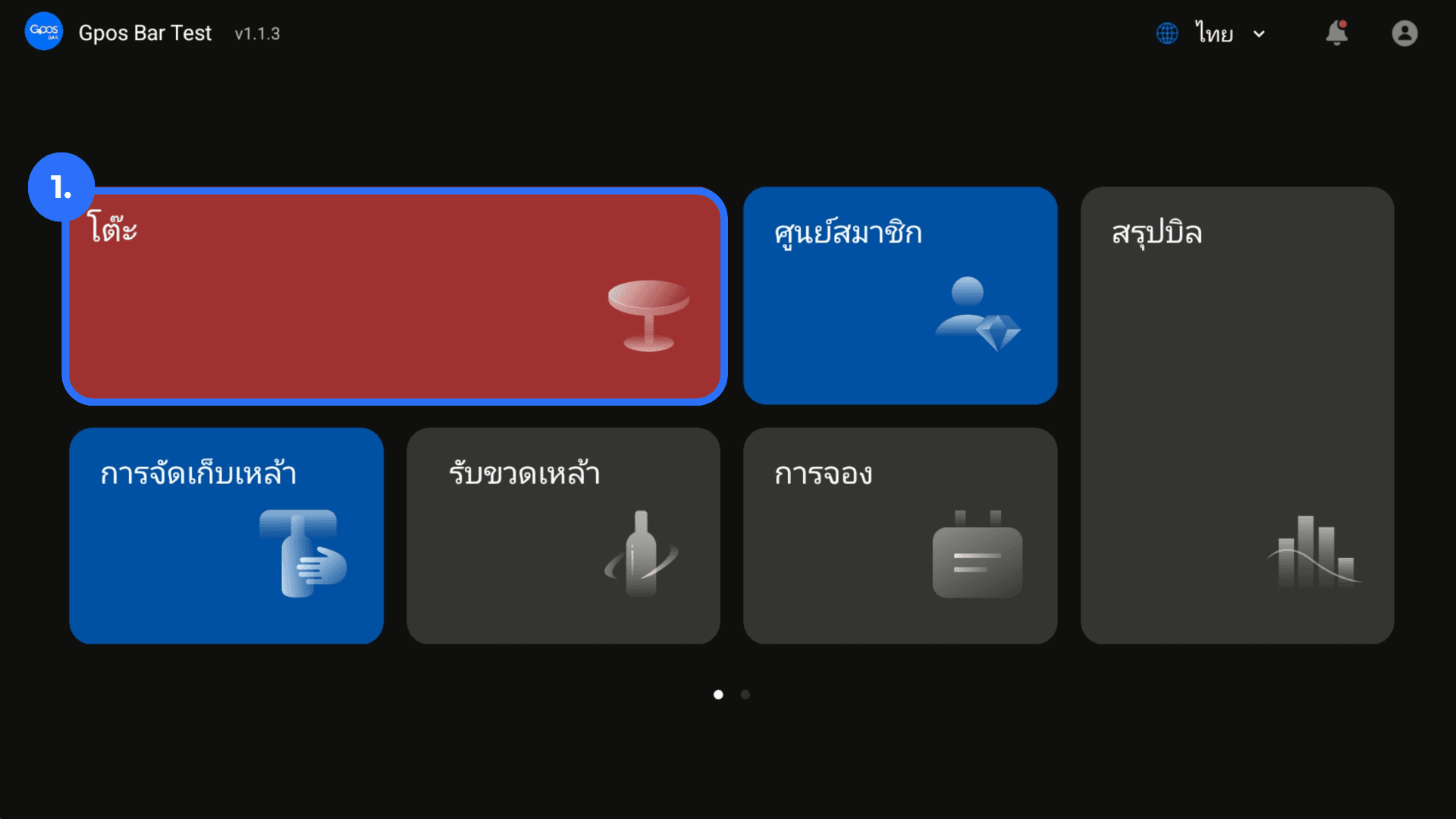
2. Select the occupied table.
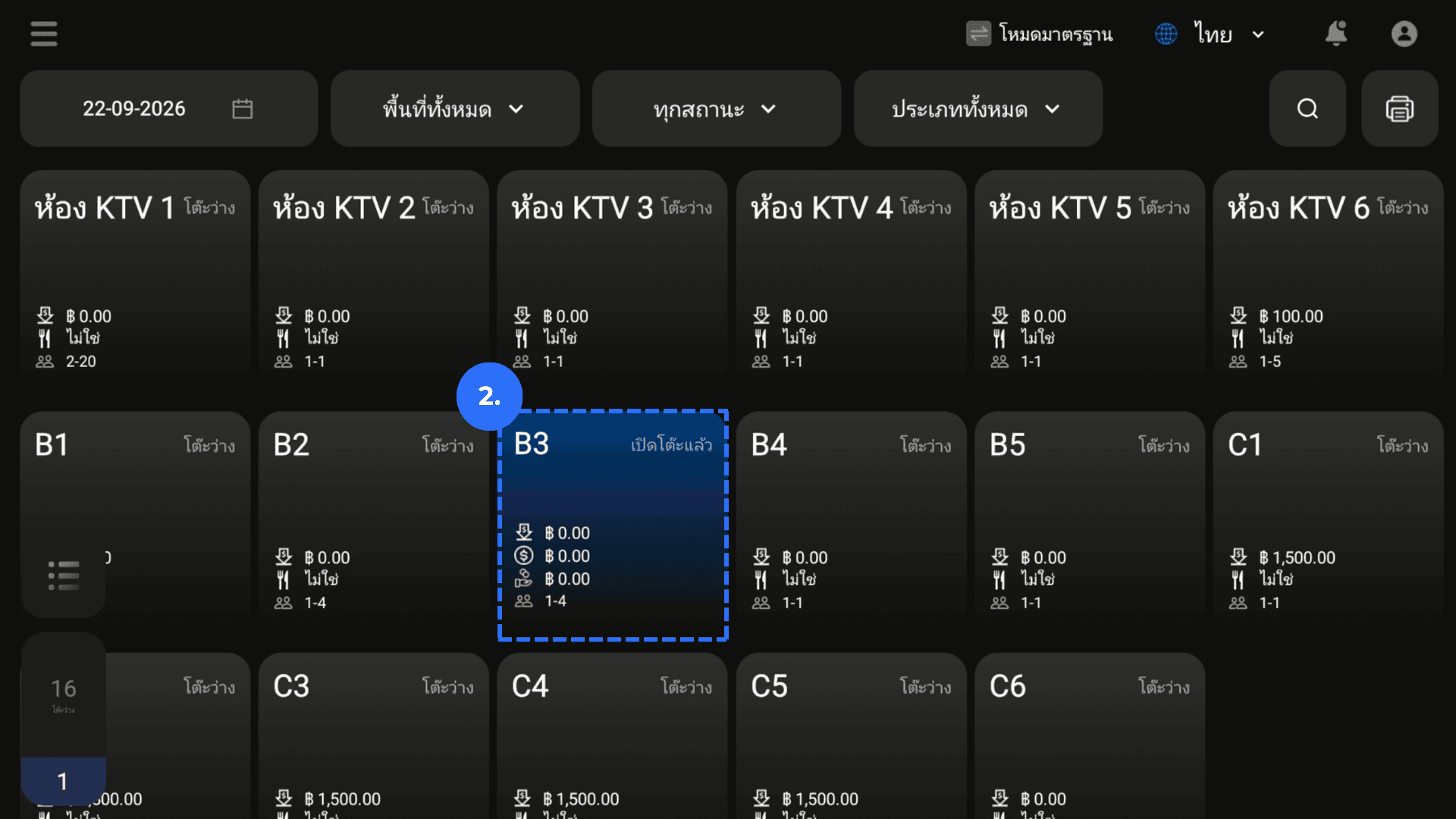
3. Open the table's details.
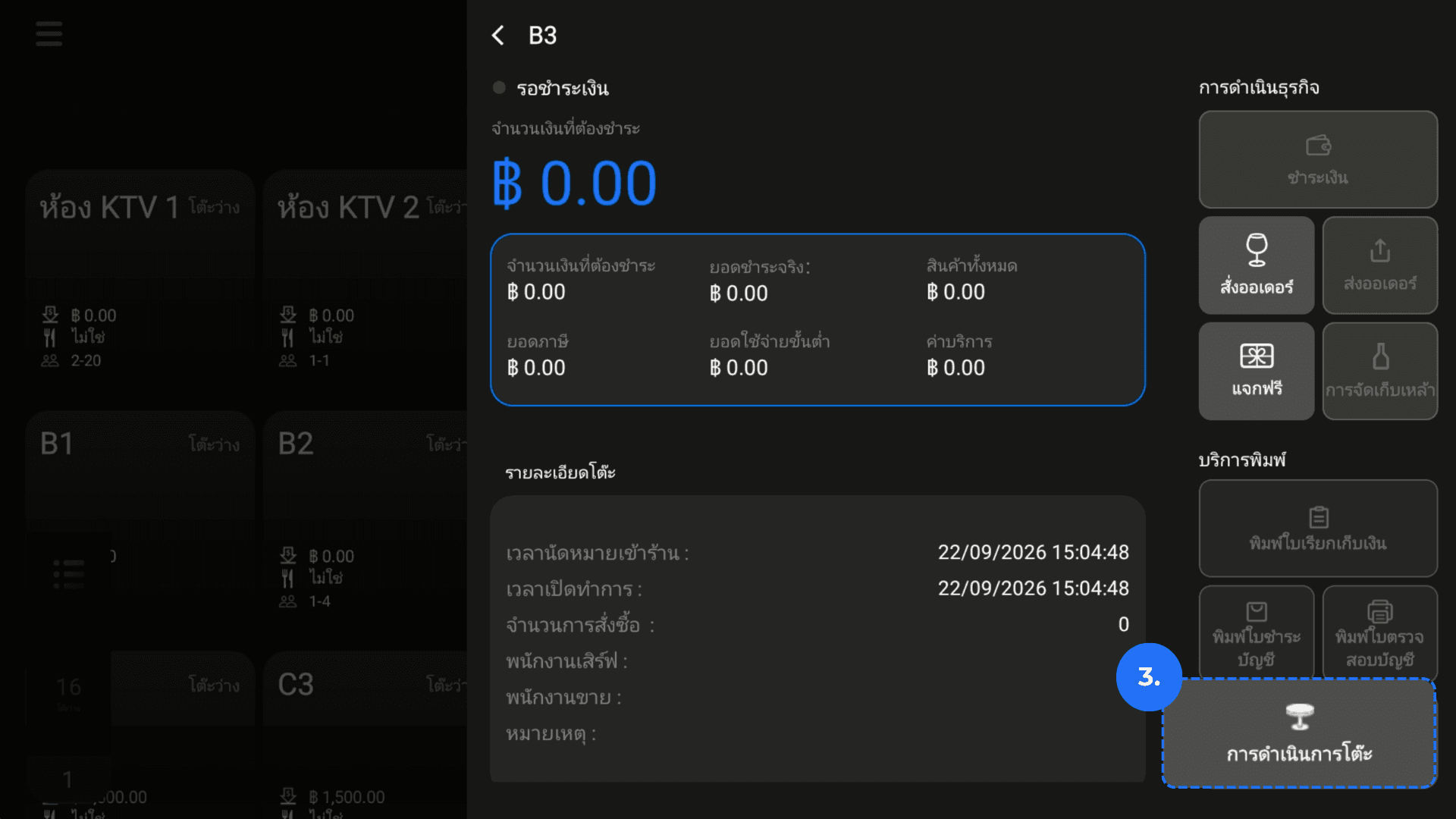
4. Press on Print QR.
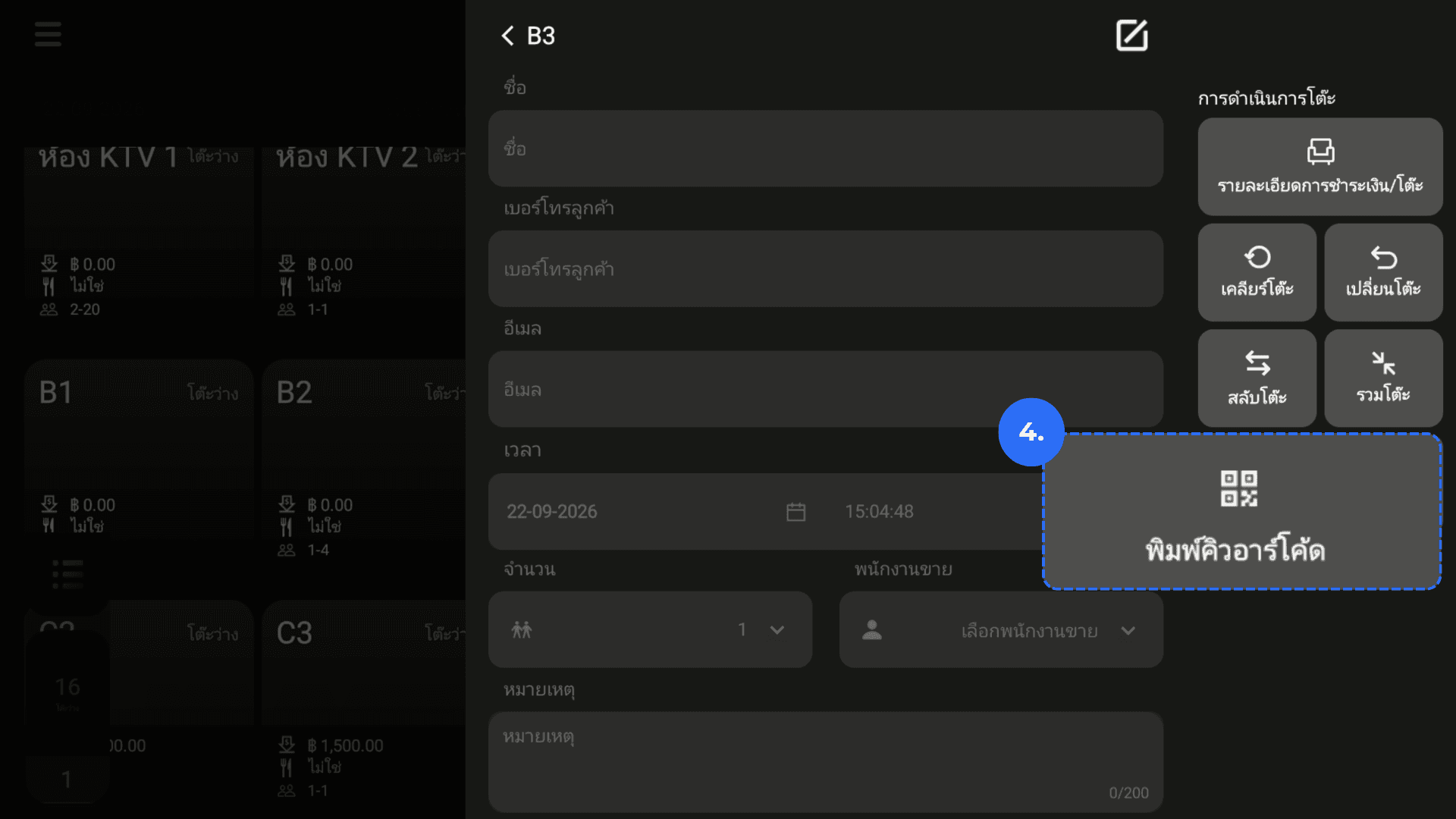
5. Display or print the QR code.